


 Seller Dashboard
 Logout
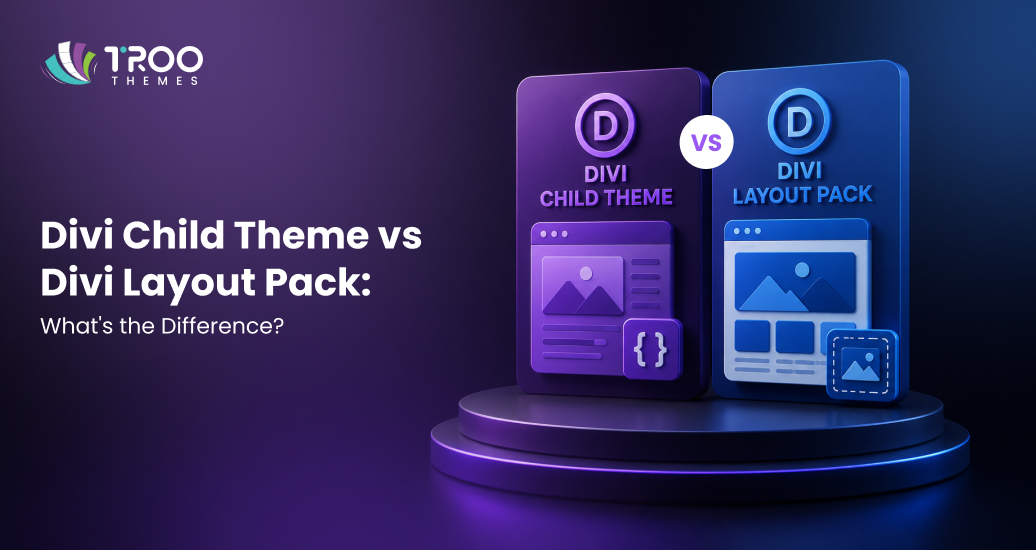
One of the first choices you’ll have to make when creating a website using Divi will be whether to go with a Divi Child theme or a Divi layout pack. They can speed up the development of websites, but they have few uses and work best on different websites.
It can save some time for business owners, agencies, and even theme developers in the future for website updates. You also have the option of a layout pack to design a page, or a child theme to provide you with a full website framework with reusable templates, styling and customisation options.
Let’s check out both, know when to use each one, and then determine for yourself which one you’ll use with your next Divi website.
Build Faster with Divi
Browse professionally designed Divi Child themes for business, agency, and niche websites.
How Does a Divi Child Theme Compare to a Divi Layout Pack?
A Divi Child theme is a fully functional website theme, complete with templates, styling, theme options, and sometimes custom functions. A Divi layout pack is a set of pre-designed pages that enable you to build beautiful websites more quickly, but with less customization and flexibility than you would get from a custom-made layout.
Both options are compatible with the Divi Builder, but address different issues.
A Divi layout pack is primarily a design resource. It normally consists of web pages like Home, About, Services, Contact, and Blog that you can add to your site. This is perfect for getting started with a site, or just for inspiration for a new idea.
With a Divi Child theme, however, you have more than just page layouts. It includes a structured website design with global styles, Theme Builder templates, custom CSS, and sometimes additional functionality. Because it works alongside the parent Divi theme, your customizations remain safe during future updates.
From our experience building Divi websites, child themes are often the better choice for projects that require consistent branding, easier maintenance, and ongoing Divi theme customization.
| Feature | Divi Child Theme | Divi Layout Pack |
|---|---|---|
|
Website scope |
Complete website framework
|
Individual page layouts |
|
Design consistency |
Website-wide |
Page-specific |
|
Theme Builder support |
Full |
Partial |
|
Global design settings |
Available |
Limited |
|
Custom code support |
Supported |
Not Supported |
|
Parent theme update safety |
Maintained |
Not Applicable
|
|
Best for |
Business websites, agencies, developers |
Landing pages, prototypes, beginners
|
Both are pretty much the same thing – a layout pack will help you build the pages, and a child theme will enable you to build and manage a complete, fully functional website.
Which Should You Choose: Divi Child Theme or Divi Layout Pack?
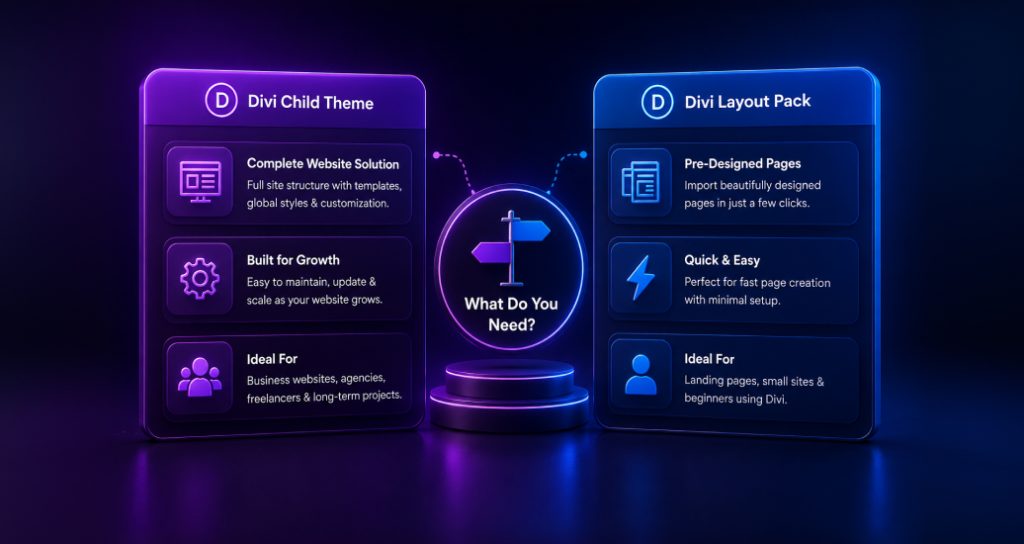
A Divi Child theme should be chosen if you are creating an entire site and have to use the same theme or if you need more advanced customization or templates that can be duplicated. If you want to create pages rapidly without any extra setup, then you should pick a Divi layout pack.
For business owners, a child theme provides a stronger foundation for growth. It helps to maintain uniformity in design throughout all pages of the site and allows easier modification of the site as it grows.
Premium Divi Child themes also save the agencies and freelancers from repetitive work. They can begin with a professionally created structure and modify it according to the customer’s demands.
But, Divi layout packs are perfect for smaller sites, landing pages and people who are just getting used to the Divi Builder. They are flexible and do not require extensive WordPress knowledge.
In our analysis, if you expect your website to grow over time, investing in a child theme usually provides greater long-term value.
Why Do Professionals Choose Premium Divi Child Themes?
Premium Divi Child themes are frequently chosen by experienced developers and agencies as they offer a pre-designed structure for a website rather than single page designs. This not only increases the efficiency of development but also simplifies the management of the website in the long term.
A professionally designed child theme will have re-usable templates, uniformity in design, and have a system in place. Instead of rebuilding all these elements for each project, you can concentrate on customizing the website to meet your client’s objectives.
Among the greatest benefits are:
- Faster website development
- Greater Divi theme customization
- Consistent branding across every page
- Easier website maintenance
- Safe updates through the parent theme
- Reusable templates for future projects
These benefits are even more important for agencies that have multiple websites, or businesses that are thinking about a new website.
Find Your Next Theme
Discover responsive Divi website templates designed for quick deployment and easy customization.
Can You Switch from a Divi Layout Pack to a Divi Child Theme?
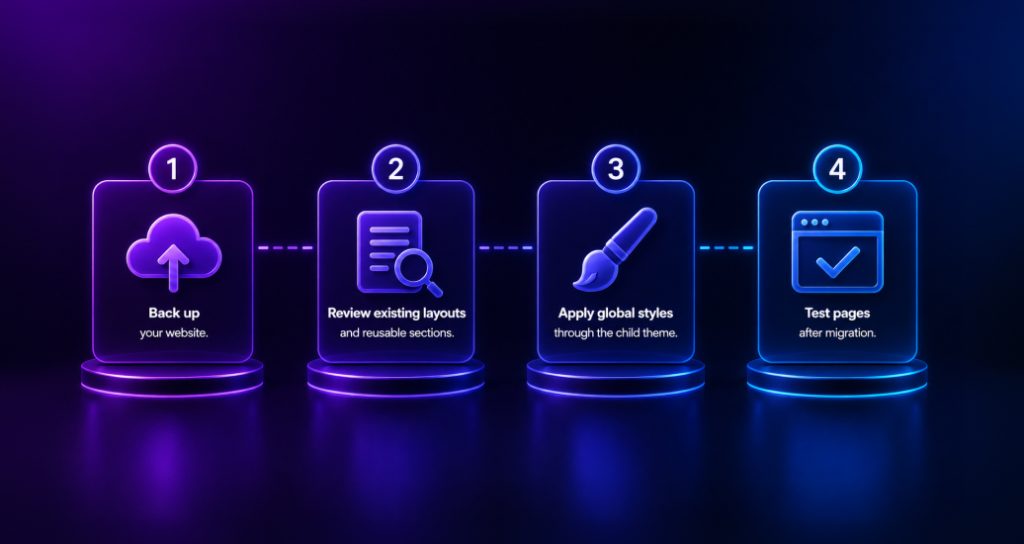
Yes. There are a number of website owners who use a Divi layout pack and then switch to a Divi Child theme as they expand their website. The changeover does take a bit of planning, but it’s a very normal and practical change.
If your website begins with only a few pages, a layout pack may be all you need. As you add blog content, new services, WooCommerce features, or custom functionality, a child theme provides a more organized structure for future development.
Before making the switch:
- Back up your website.
- Review existing layouts and reusable sections.
- Apply global styles through the child theme.
- Test pages after migration.
It can make your transition smoother, while retaining your website design and functionality by planning ahead.
Conclusion
Divi Child themes and Divi layout packs both aid in quick website creation, but they serve different functions. A layout pack is a good option if you just need pages professionally designed. A child theme is the better investment over time if you are creating a scalable website that will have a consistent brand and advanced Divi theme customization.
TRooThemes has considered the needs of different industries and created a set of responsive Divi website templates and some of the best Divi Child themes to help businesses, agencies, and WordPress professionals launch their polished websites with confidence.