


 Seller Dashboard
 Logout
A well-chosen WordPress website builder provides the foundation for scalable design, performance optimization, and long-term site growth. The builder you select influences everything from design flexibility and SEO to workflow efficiency, scalability, and ongoing maintenance.
If you’re unsure which builder fits your workflow, budget, or long-term goals, you’re not alone.
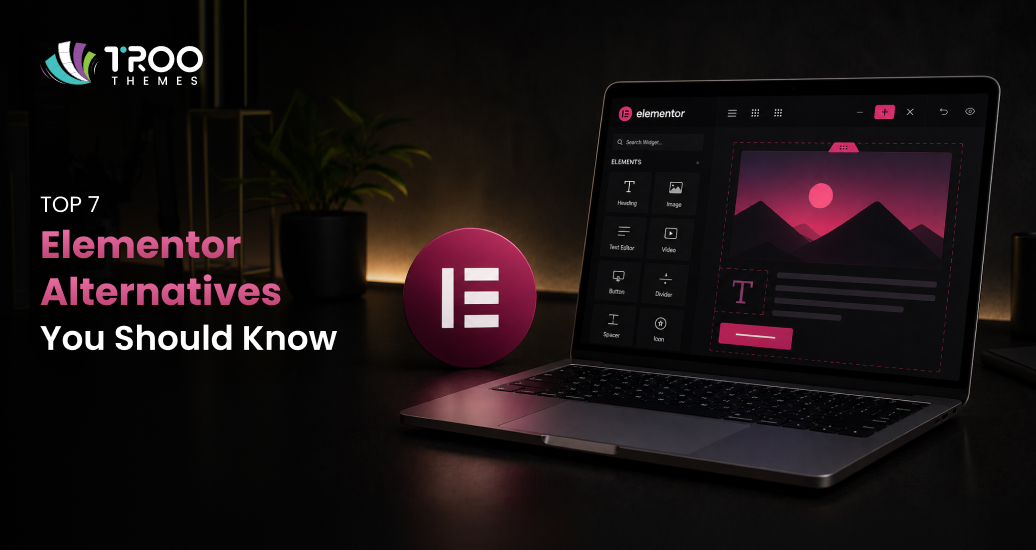
Among all available options, Divi vs Elementor is the most common comparison WordPress users face today. Both are powerful, mature, and widely adopted WordPress page builder plugins, trusted by freelancers, agencies, and business owners alike.
In this in-depth comparison, we’ll break down Elementor vs Divi across features, performance, ease of use, pricing, SEO considerations, and real-world use cases. The goal is not to crown a single “winner,” but to help you confidently choose the best WordPress page builder for your specific needs, backed by practical insights from professional WordPress website design experience.
What Are Divi and Elementor?
Before comparing them head-to-head, it’s important to understand what each builder offers at its core and how they fit into the WordPress ecosystem.
Divi Builder Overview
Divi is a premium WordPress website builder developed by Elegant Themes. It functions both as a standalone WordPress page builder plugin and as part of the popular Divi theme. This dual approach allows users to design entire websites, headers, footers, templates, and individual pages from a single unified interface.
Key characteristics of the Divi builder include:
- A front-end, visual drag-and-drop editor
- A large library of professionally designed layout packs
- Global design controls for consistent branding
- Deep customization for typography, spacing, animations, and layouts
- Built-in theme builder functionality
Divi is particularly popular among agencies and freelancers who manage multiple client websites, thanks to its unlimited site usage model.
Elementor Page Builder Overview
Elementor WordPress is one of the most widely used WordPress page builder plugins in the world. It operates independently of your theme, which means it works seamlessly with most WordPress themes on the market.
Elementor follows a freemium model, offering a powerful free version alongside premium plans that unlock advanced features.
Core characteristics of the Elementor page builder include:
- A clean, sidebar-based drag-and-drop editor
- Live front-end preview while designing
- Extensive widget library (especially in Elementor Pro)
- Dynamic content and theme builder capabilities
- Large third-party add-on ecosystem
Elementor’s interface closely aligns with modern design tools, making it especially approachable for beginners and non-technical users.
Feature Comparison: Divi vs Elementor
When comparing Divi vs Elementor, features play a major role, but how those features are implemented matters just as much as the feature list itself.
Core Page Building Capabilities
Both builders provide:
- Visual drag-and-drop editing
- Responsive design controls
- Pre-designed templates and sections
- Reusable elements and global styles
- Integration with WooCommerce
However, the experience differs significantly.
Divi uses a full-screen visual editor where design controls appear contextually as floating panels. This allows for immersive design but can feel unfamiliar to new users.
Elementor, on the other hand, uses a fixed sidebar with widgets and settings, while the page preview remains visible at all times. This layout feels intuitive to users accustomed to traditional design interfaces.
Widgets, Modules, and Design Elements
- Elementor offers a broader widget selection, particularly in its Pro version, including sliders, forms, galleries, carousels, pricing tables, and dynamic content elements.
- Divi provides fewer modules by default but compensates with extensive customization options within each module.
Both platforms allow advanced styling such as hover effects, animations, custom spacing, and conditional visibility, but Elementor’s widget ecosystem gives it an edge for complex layouts.
Ease of Use: Which Builder Is More Beginner-Friendly?
Ease of use is often the deciding factor for business owners and first-time WordPress users.
Elementor Ease of Use
Elementor is widely regarded as one of the most beginner-friendly WordPress website builders available.
Reasons include:
- Clear sidebar navigation
- Intuitive drag-and-drop workflow
- Minimal learning curve
- Real-time visual feedback
Most users can build a functional page within minutes of installing Elementor, even without prior WordPress experience.
Divi Ease of Use
Divi’s interface is powerful but different.
Pros:
- Inline text editing
- Quick access to advanced styling
- Visual editing without switching panels
Cons:
- Floating panels may overwhelm beginners
- More options mean more learning upfront
Divi tends to reward users who invest time learning the system, making it ideal for professionals but slightly less approachable for absolute beginners.
2. Safe and Secure Customization
A WordPress child theme allows you to make changes without the risk of breaking your parent theme or core WordPress files. You can experiment with layout changes, add custom functions, or change styles without fear; if something goes wrong, only the child theme is affected.
This approach promotes safer debugging and reduces the risk of critical errors on live sites.
3. Better Workflow for Development and Testing
For developers, child themes streamline the development process. You can make small updates, undo specific changes if needed, and keep your code organized. This organized structure reduces confusion during collaborative projects and simplifies maintenance tasks.
Design Flexibility and Visual Control
Design freedom is where both builders truly shine, but they approach it differently.
Divi Theme Builder and Global Design
The Divi theme builder excels in consistency and scalability.
Notable strengths:
- Global design settings across the entire site
- Reusable layouts and modules
- Site-wide typography and color management
- Powerful role editor for teams
Divi is particularly strong for large projects where brand consistency matters.
Elementor Design Flexibility
Elementor focuses on modular creativity.
Strengths include:
- Fine-grained control at the widget level
- Dynamic content integration
- Custom positioning and layering
- Advanced responsive controls
For designers building custom landing pages, marketing sites, or interactive layouts, Elementor website builder offers more flexibility out of the box.
Performance and Speed Considerations
Website speed directly affects user experience, conversions, and SEO.
Elementor Performance
Elementor generally produces cleaner front-end output, especially when combined with lightweight themes and proper optimization.
Advantages:
- Reduced reliance on shortcodes
- Better compatibility with performance plugins
- Faster load times in many real-world tests
Divi Performance
Divi has historically been considered heavier, though recent updates have significantly improved performance.
Considerations:
- More built-in features can add overhead
- Requires optimization for best results
- Performs well when caching and asset optimization are enabled
Both builders can achieve excellent performance when configured correctly, but Elementor often has a slight edge out of the box.
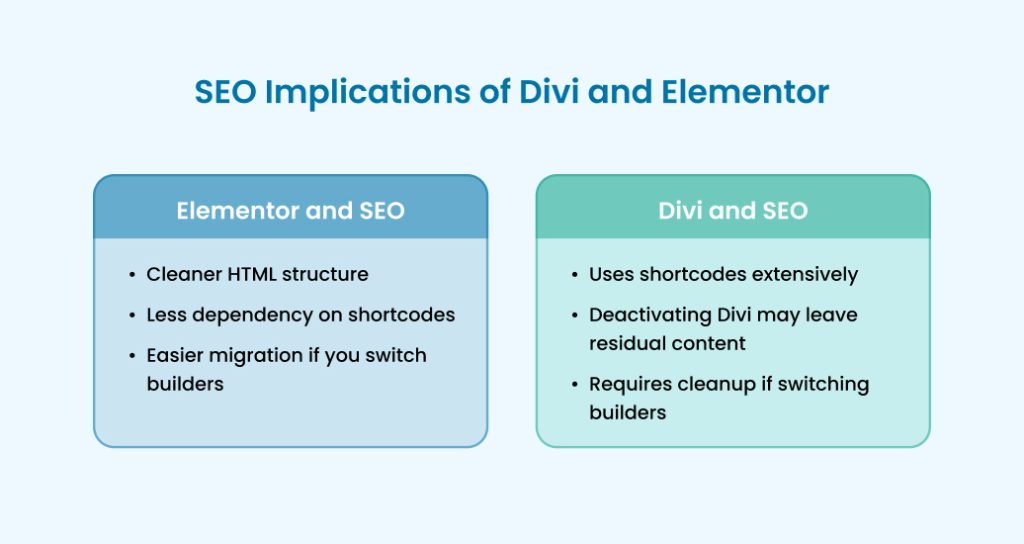
SEO Implications of Divi and Elementor
Neither builder replaces SEO plugins, but they can influence technical SEO.
Elementor and SEO
- Cleaner HTML structure
- Less dependency on shortcodes
- Easier migration if you switch builders
These factors make Elementor more future-proof for long-term SEO maintenance.
Divi and SEO
- Uses shortcodes extensively
- Deactivating Divi may leave residual content
- Requires cleanup if switching builders
That said, Divi is fully compatible with major SEO plugins and performs well when properly optimized.
Pricing Comparison: Divi vs Elementor
Pricing is one of the most significant differences between Elementor and Divi.
Divi Pricing
- One annual plan for unlimited websites
- Lifetime license available
- Includes theme, builder, and premium support
This model is especially attractive to agencies and freelancers.
Elementor Pricing
- Free version available
- Tiered pricing based on the number of sites
- Pro features locked behind paid plans
Elementor’s pricing works well for single-site owners but can become costly at scale.
Build High-Performance Websites with Troothemes
Modern, fast-loading website themes crafted for speed, flexibility, and long-term scalability perfect for businesses, creators, and growing brands.
Best Use Cases: Who Should Use Which Builder?
When Elementor Is the Better Choice
Elementor is ideal if you are:
- A beginner or non-technical business owner
- Building marketing or landing pages
- Prioritizing performance and clean output
- Relying on third-party integrations
When Divi Is the Better Choice
Divi is a strong choice if you are:
- A freelancer or agency managing many sites
- Looking for a lifetime licensing option
- Focused on brand consistency across large projects
- Comfortable investing time in learning a robust system
Key Feature Highlights: Quick Comparison
Elementor Strengths
- Intuitive interface
- Large widget ecosystem
- Dynamic content and pop-up builder
- Strong performance foundation
Divi Strengths
- Unlimited site usage
- Massive layout library
- Deep global design control
- All-in-one design ecosystem
Final Verdict: Choosing the Right WordPress Page Builder
There is no absolute winner in the Divi vs Elementor debate, only the right choice for your goals.
Our Expert Recommendation
- Beginners & Small Businesses: Elementor
- Designers & Agencies: Divi
- Performance-Focused Projects: Elementor
- Long-Term Value & Scale: Divi
Both builders are among the best WordPress page builder options available today. The key is aligning the tool with your workflow, budget, and long-term vision.
At TRooThemes, we bring together a curated marketplace of high-quality themes, templates, and creative assets built for both Divi and Elementor users. By understanding the strengths of each WordPress page builder, designers, developers, and business owners can choose the right tools and assets to build scalable, high-performing WordPress website design solutions that support long-term growth and flexibility.