


 Seller Dashboard
 Logout
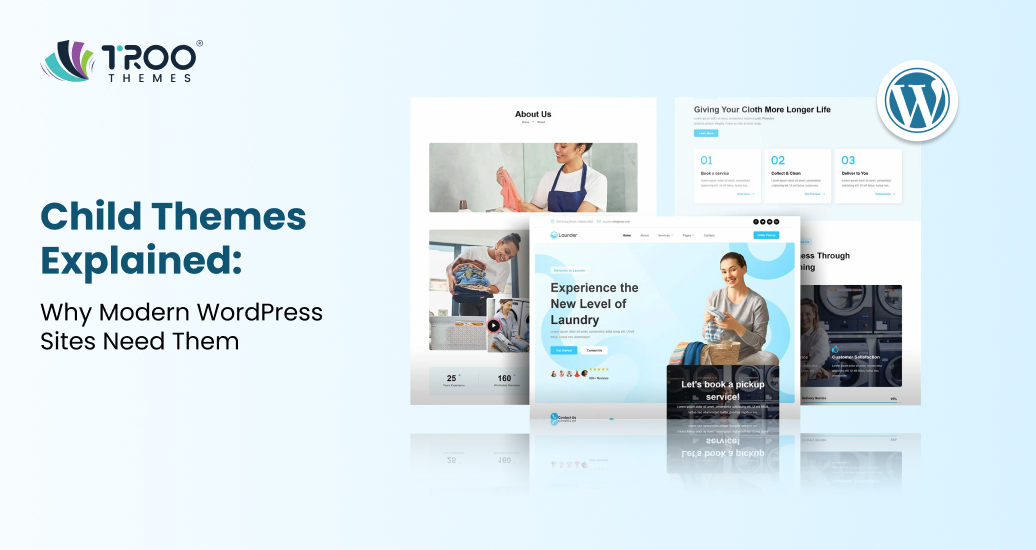
Customizing a WordPress website is no longer just about changing colors or fonts; it’s about creating a flexible foundation that can grow with your business. In professional WordPress website development, making direct edits to a theme can lead to lost changes, broken layouts, and unnecessary maintenance challenges. Understanding what a child theme is helps reduce these risks while allowing powerful customization options.
Many WordPress users learn this lesson the hard way, often after losing important changes during a theme update.
A child theme WordPress setup enables developers and site owners to extend and personalize a website without altering the original theme files. From advanced WordPress theme customization to long-term WordPress website maintenance and WordPress performance optimization, child themes play an important role in building modern and update-safe WordPress sites.
What Is a Child Theme in WordPress?
At its core, a child theme of WordPress is exactly what it sounds like: a child of a parent theme. It inherits all of the parent theme’s functionality, design, and code, while allowing you to make changes safely without touching the original parent theme files.
In technical terms, a child theme accesses everything from its parent theme, including stylesheets, templates, and functions, and selectively modifies or adds to them. This is the foundation for safe and scalable WordPress theme customization.
A child theme must be installed and activated like any other theme, but it has a special reference in its style.css file that tells WordPress which parent theme it belongs to.
Parent Themes vs. Child Themes
Before we go deeper, it’s important to clarify the difference between parent themes and child themes:
- Parent Theme:
A complete standalone theme with all required WordPress template files and assets. - Child Theme:
A subset of the parent theme that inherits everything, but contains only the pieces you want to customize.
Keeping the parent theme unchanged helps maintain site stability, allows safe updates, and supports better performance over time.
Why Use a Child Theme?
Using a child theme isn’t just a recommendation; it’s considered a best practice in WordPress theme development and WordPress website maintenance. Here’s why:
1. Preserve Your Customizations, Even After Updates
If you modify a parent theme directly and it gets updated by the developer, all those edits are lost. That’s because updating a theme replaces old files with new ones. A child theme keeps your tweaks separate, so your custom styles and code persist even when the parent theme is updated.
This is a key reason why child themes are important for WordPress projects, as changes made directly to a theme can disappear after updates.
2. Safe and Secure Customization
A WordPress child theme allows you to make changes without the risk of breaking your parent theme or core WordPress files. You can experiment with layout changes, add custom functions, or change styles without fear; if something goes wrong, only the child theme is affected.
This approach promotes safer debugging and reduces the risk of critical errors on live sites.
3. Better Workflow for Development and Testing
For developers, child themes streamline the development process. You can make small updates, undo specific changes if needed, and keep your code organized. This organized structure reduces confusion during collaborative projects and simplifies maintenance tasks.
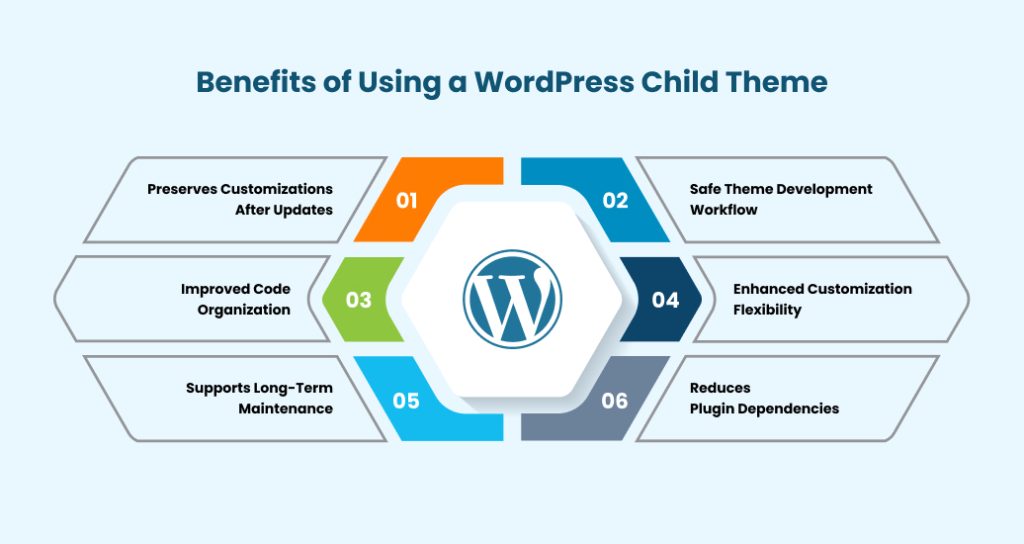
Benefits of Using a WordPress Child Theme
To fully appreciate child themes, let’s break down the primary benefits they offer for modern WordPress projects:
- Preserves Customizations After Updates
With a child theme, your custom CSS and PHP functions stay intact every time you update the parent theme. This protects your investment in custom design and functionality. - Safe Theme Development Workflow
Child themes let developers work in a sandboxed environment. You can try new ideas, tweak templates, and test new layouts without breaking your live site. - Improved Code Organization
Instead of mixing all your changes into the main theme, a child theme keeps them separate and organized. This makes future updates easier and reduces confusion for anyone else working on the site. - Enhanced Customization Flexibility
Child themes allow you to modify specific files from the parent theme, such as templates, CSS, and even functions, while retaining all other features. You can customize exactly what you need without rewriting everything. - Supports Long-Term Maintenance
Since your custom code is isolated in the child theme, ongoing WordPress website maintenance becomes far easier. Updates, security patches, and performance tweaks can all be applied without losing your custom work. - Reduces Plugin Dependencies
Rather than relying more on plugins for small customizations (which can affect performance), a child theme lets you add code directly where it belongs, the theme layer. This contributes to WordPress performance optimization.
When to Use a Child Theme
While child themes are tremendously useful, they’re not needed in every case. Consider using a child theme when:
- You plan to edit theme files such as style.css, templates, or functions.php.
- You want to customize the layout or design beyond what the theme settings allow.
- You want to keep your customizations safe through updates.
You’re building a professional or client project where long-term maintenance is expected.
You might not need a child theme if all your customizations are achievable via the WordPress customizer, plugin settings, or site editor without touching any code.
How to Create a Child Theme
Building a child theme is not complicated, and mastering it is part of essential WordPress theme development skills.
Here’s a simplified overview of how it works:
Step 1: Create a Child Theme Folder
In your WordPress installation, navigate to wp-content/themes and create a new folder for your child theme. The name should be unique and descriptive.
Step 2: Add a style.css File
Inside your child theme folder, create a style.css file with a header that includes details like the child theme name and the parent theme it depends on.
Step 3: Add Optional Functions File
If you need custom functions, create a functions.php file to enqueue the child theme styles and add custom code.
Once you install and activate the child theme, WordPress will load the parent theme’s files and apply the child theme’s changes.
Many developers also use plugins or build scripts to generate child themes automatically, but understanding the manual method gives you better control and insight.
Build High-Performance Websites with Troothemes
Modern, fast-loading website themes crafted for speed, flexibility, and long-term scalability perfect for businesses, creators, and growing brands.
Best Practices for Child Theme Development
Here are some practical tips to follow:
- Keep Changes Minimal and Purposeful
Only modify templates or add code that’s truly necessary. This keeps your child theme efficient and easier to maintain. - Document Your Customizations
Comment your code and structure it logically so it’s easier to update later. - Use Version Control
Tracking your child theme changes in Git or another version control system improves collaboration and rollback safety. - Test Updates in Staging
Before updating the parent theme on a live site, test the update in a development or staging environment to catch any compatibility issues early.
Child Themes and WordPress Performance Optimization
One common myth is that using a child theme affects speed. In reality, child themes have a negligible impact on performance, especially when compared to the benefits they bring in terms of modularity and long-term maintenance.
By minimizing reliance on plugins for theme customizations and keeping your design logic streamlined, child themes can support overall site performance.
Common Misconceptions About Child Themes
Let’s clear up a few misconceptions:
- Myth: Child Themes Slow Down My Site
Child themes don’t add performance overhead. The extra files are minimal, and WordPress efficiently loads required assets. - Myth: Only Developers Use Child Themes
While developers benefit most, anyone who wants a custom look or functionality beyond default theme options should consider a child theme. - Myth: You Must Create a Child Theme for Every Small Change
You only need a child theme when editing theme files directly, not for minor customizer settings or basic layout tweaks.
Conclusion
A WordPress child theme is a powerful tool in the toolkit of anyone serious about WordPress website development, WordPress website maintenance, or WordPress theme customization. It offers a safe, flexible, and professional way to modify a parent theme without losing future updates or performance.
By using child themes, you can safely customize your website without worrying about losing your changes during updates. This makes your site easier to manage and more reliable over time. At TRooThemes, we follow the best practices to build modern, scalable WordPress websites that stay secure, flexible, and support long-term website growth.